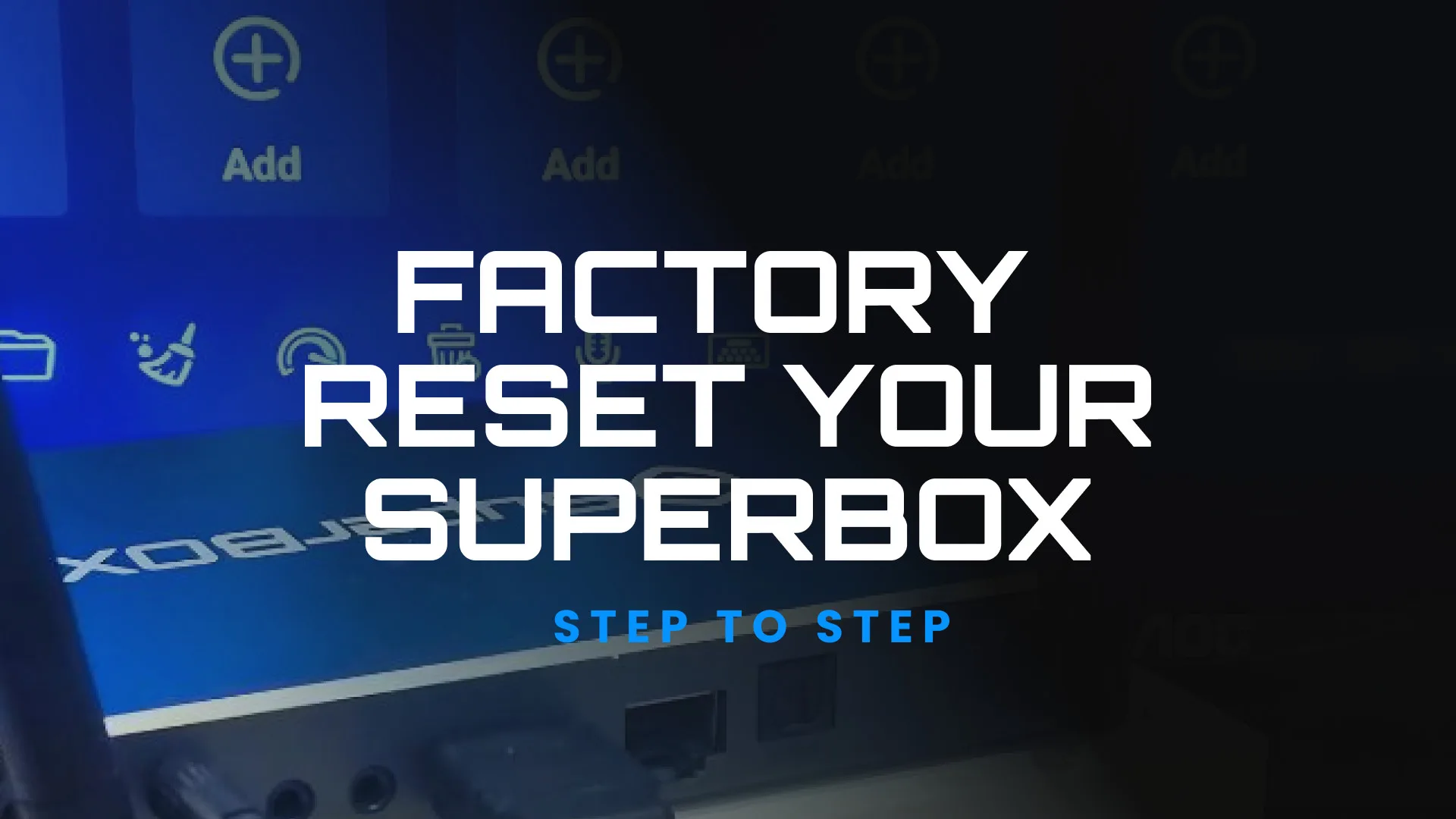
How do I update or reset my SuperBox to fix streaming or app issues? Sometimes apps stop working, channels buffer, or the interface becomes sluggish. A quick update or factory reset usually solves these problems. 🔄Check for System Updates From the Home screen, go to Settings → About → System Update. Select Check for Updates. […]
Author Archives: admin
Every SuperBox device comes with a limited manufacturer warranty that protects you against hardware or performance defects under normal use.🛡️Warranty Coverage Length: We look to honor 1-year limited warranty from the date of purchase. Coverage Includes: Hardware defects or failure not caused by user damage. Power supply, remote control, and internal system board issues. Not Covered: Physical […]
To enjoy the best possible streaming experience, SuperBox depends on a stable, high-speed internet connection. Below are the general guidelines: Type of Content Recommended Minimum Speed Ideal Speed for Best Performance SD (480p) Streaming 5 Mbps 10 Mbps HD (720p – 1080p) Streaming 10 Mbps 25 Mbps or higher 4K Ultra HD Streaming 25 Mbps […]
Recently, we’ve come across various customer feedback ondifferent platforms. SuperBox is a powerful streaming device that offers access to a wide range of entertainment options. However, like any technology, users may encounter certain issues while using it. That’s why every brand has a dedicated support team.From lagging and buffering to missing apps and […]
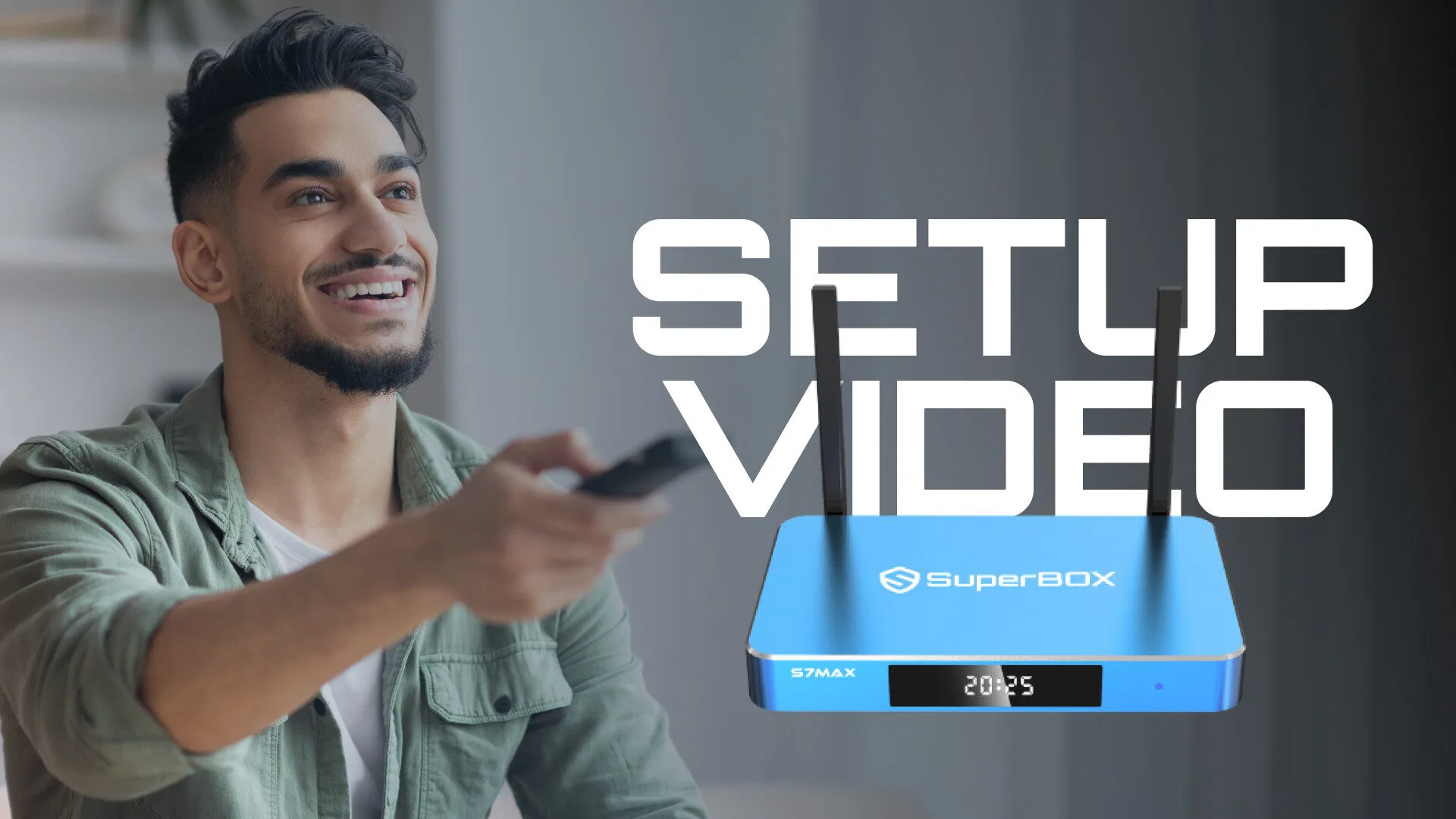
[wpcc-iframe title=”How To Set Up SuperBox & Access All Content” width=”422″ height=”750″ src=”https://www.youtube.com/embed/HRC_cazwovI?feature=oembed” frameborder=”0″ allow=”accelerometer; autoplay; clipboard-write; encrypted-media; gyroscope; picture-in-picture; web-share” referrerpolicy=”strict-origin-when-cross-origin” allowfullscreen=””]
Factory Reset & App Store Reinstall Guide If your SuperBox is experiencing connectivity issues with Wi-Fi or Ethernet, a factory reset usually resolves the problem. Watch the step-by-step video below or follow the written instructions. [wpcc-element _tag=”source” src=”https://premiumtvbox.com/wp-content/uploads/2026/04/Reset-and-Download-App-Store-compressed1.mp4″ type=”video/mp4″ _close=”0″] Factory Reset Steps Go to your home screen and use the remote to enter the […]
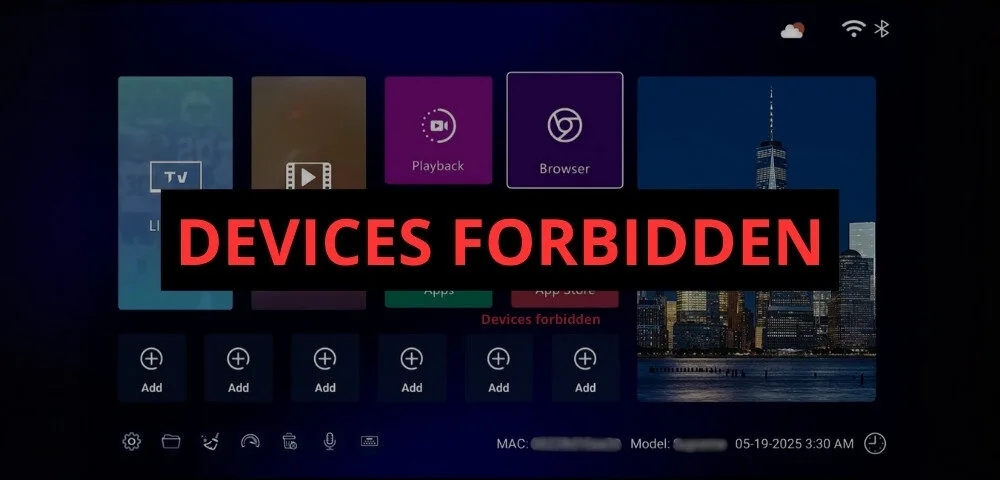
If you’re a SuperBoxowner and suddenly see the “SuperBoxDevices Forbidden” message on your screen, it can be both confusing and frustrating. This error essentially means your SuperBoxdevice has been remotely locked by us. While the problem is not a hardware failure, it will completely block your device from functioning until the lock is lifted. In this […]
With the official launch of the SuperBoxS7 lineup — including the S7 Pro and S7 Max in early October 2025 — fans of SuperBoxare excited to see what’s new compared to the popular S6 series. If you’re debating between the two, this in-depth comparison of SuperBoxS7 vs S6 will help you decide which model fits your needs […]
When you first set up your SuperBox, it works well out of the box. But did you know there are several hidden features and advanced options that can make your viewing experience even better? Many users never explore beyond the basics, but by adjusting a few key options, you can unlock smoother performance, sharper visuals, […]